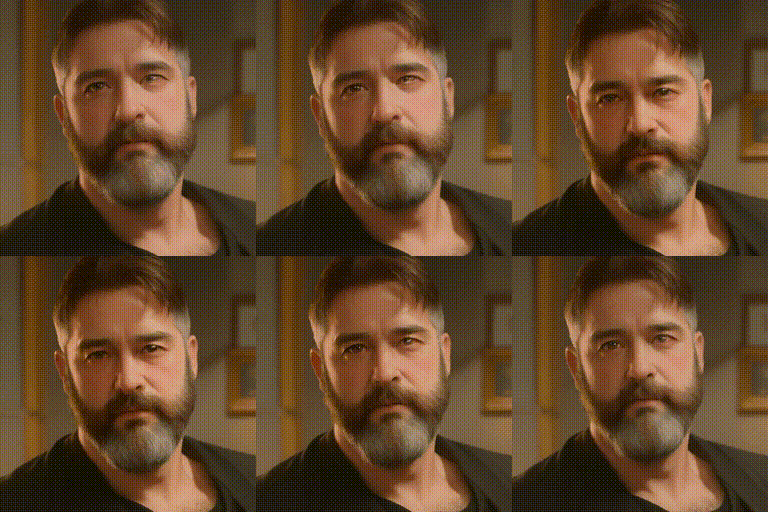
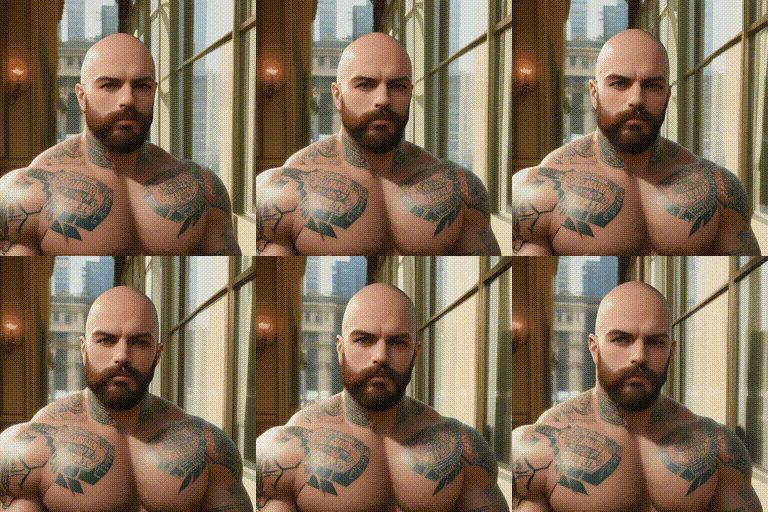
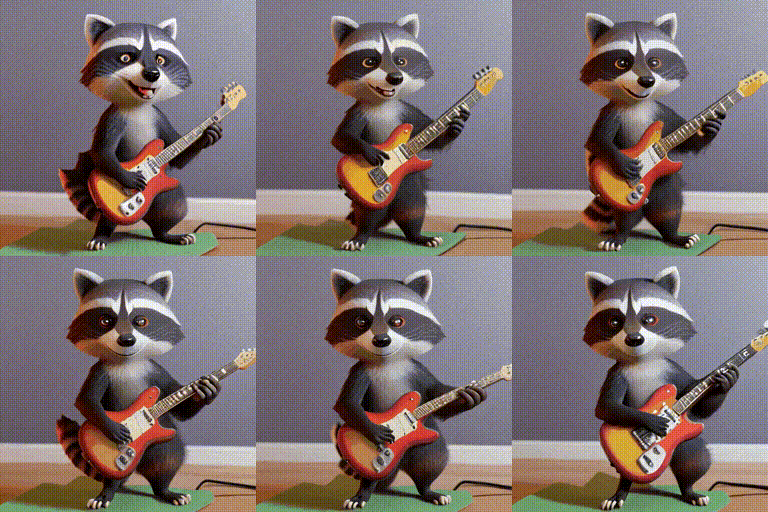
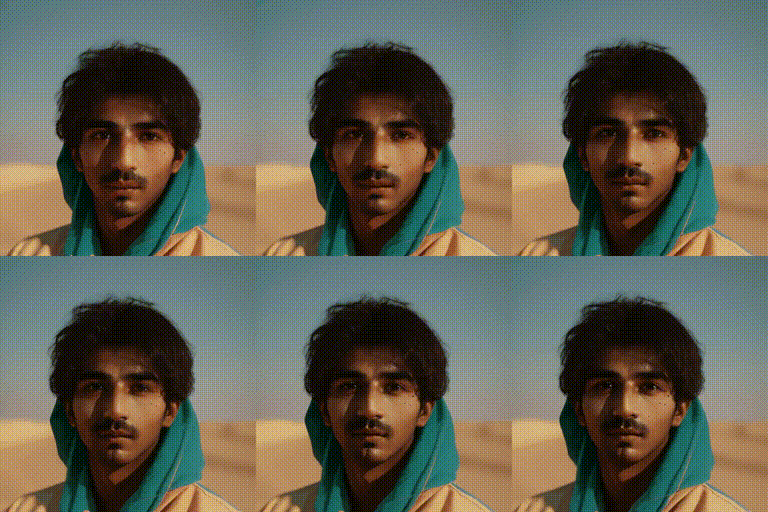
# AnimateDiff
This repository is the official implementation of [AnimateDiff](https://arxiv.org/abs/2307.04725).
**[AnimateDiff: Animate Your Personalized Text-to-Image Diffusion Models without Specific Tuning](https://arxiv.org/abs/2307.04725)**
Yuwei Guo,
Ceyuan Yang*,
Anyi Rao,
Yaohui Wang,
Yu Qiao,
Dahua Lin,
Bo Dai
*Corresponding Author
[](https://arxiv.org/abs/2307.04725)
[](https://animatediff.github.io/)
[](https://openxlab.org.cn/apps/detail/Masbfca/AnimateDiff)
[](https://huggingface.co/spaces/guoyww/AnimateDiff)
## Features
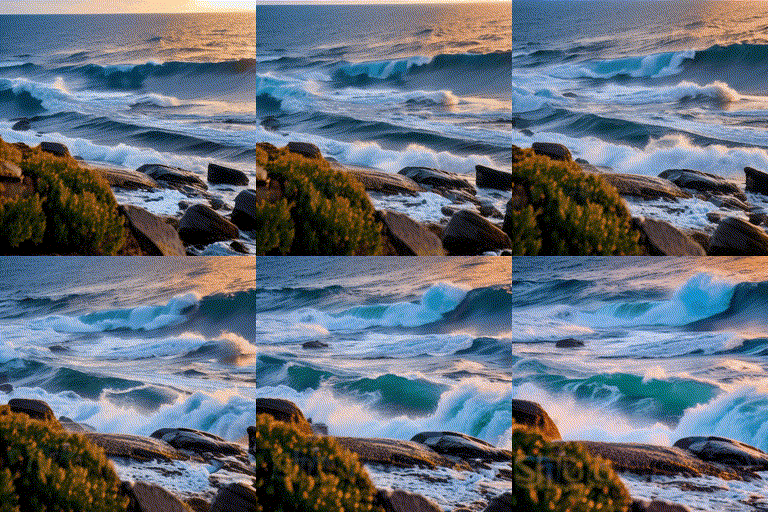
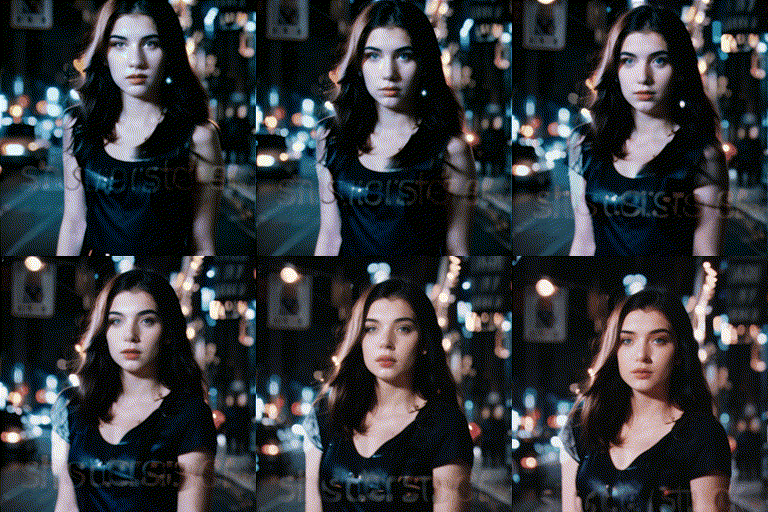
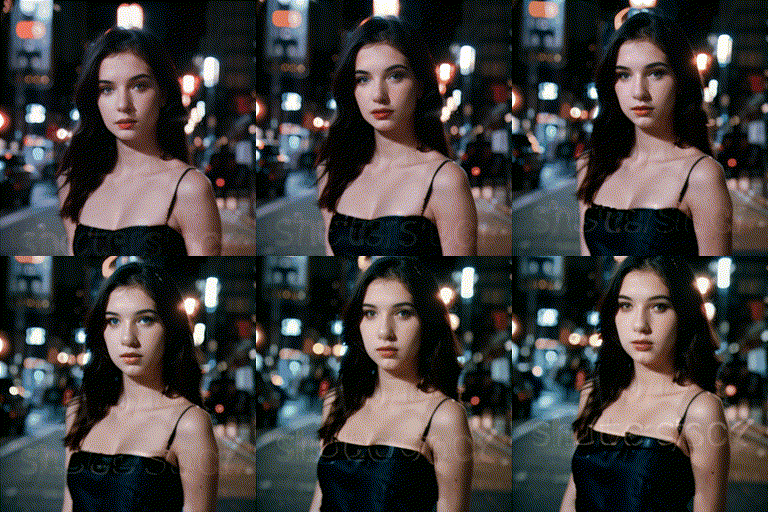
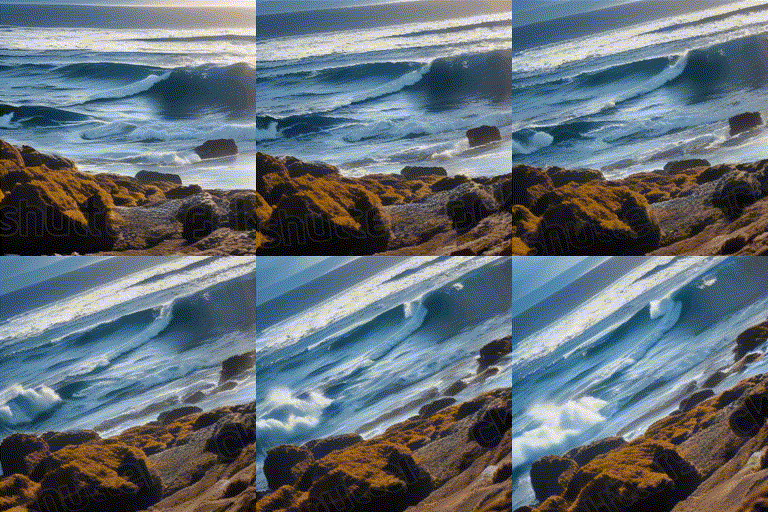
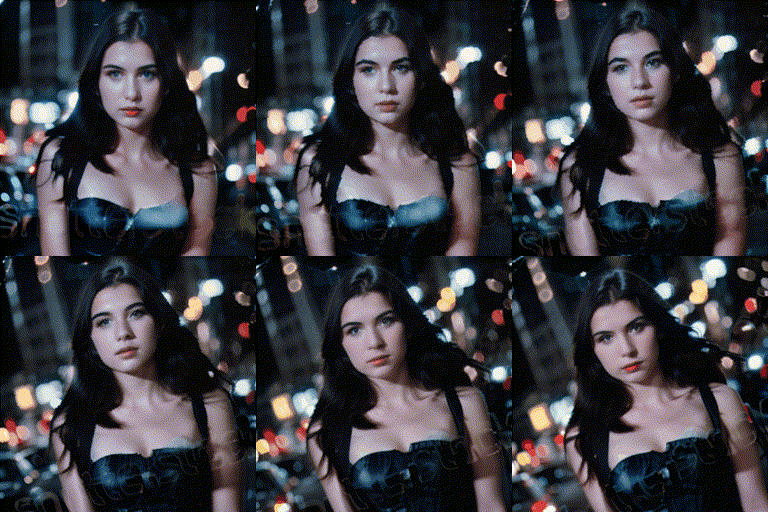
- **[2023/09/25]** Release **MotionLoRA** and its model zoo, **enabling camera movement controls**! Please download the MotionLoRA models (**74 MB per model**, available at [Google Drive](https://drive.google.com/drive/folders/1EqLC65eR1-W-sGD0Im7fkED6c8GkiNFI?usp=sharing) / [HuggingFace](https://huggingface.co/guoyww/animatediff) / [CivitAI](https://civitai.com/models/108836/animatediff-motion-modules) ) and save them to the `models/MotionLoRA` folder. Example:
```
python -m scripts.animate --config configs/prompts/v2/5-RealisticVision-MotionLoRA.yaml
```
| Zoom In |
Zoom Out |
Zoom Pan Left |
Zoom Pan Right |
 |
 |
 |
 |
 |
 |
 |
 |
| Tilt Up |
Tilt Down |
Rolling Anti-Clockwise |
Rolling Clockwise |
 |
 |
 |
 |
 |
 |
 |
 |
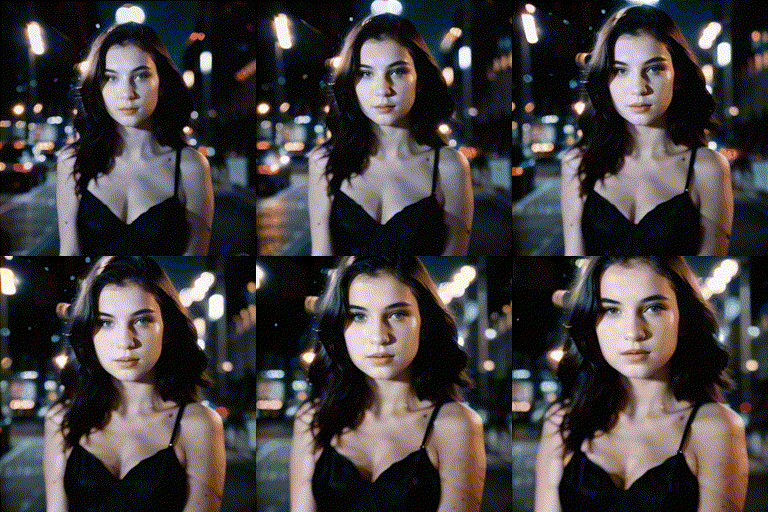
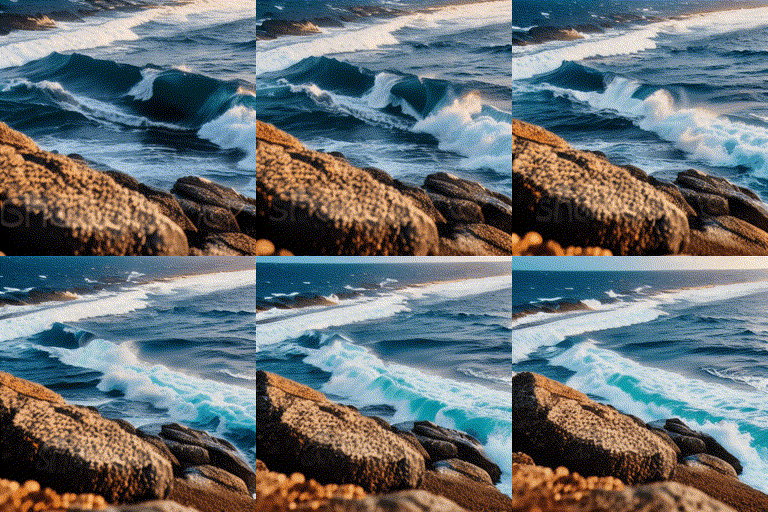
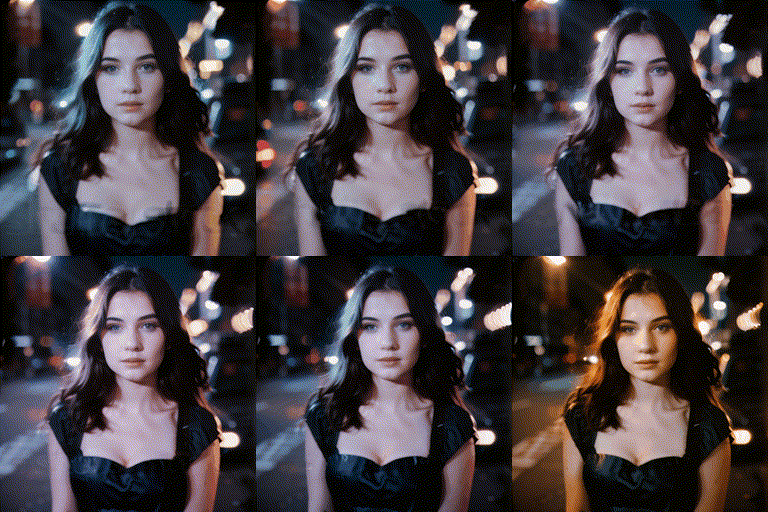
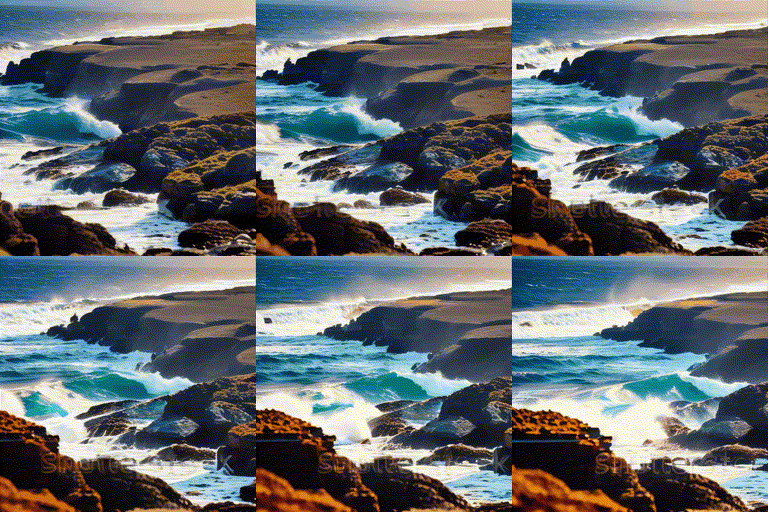
- **[2023/09/10]** New Motion Module release! `mm_sd_v15_v2.ckpt` was trained on larger resolution & batch size, and gains noticeable quality improvements. Check it out at [Google Drive](https://drive.google.com/drive/folders/1EqLC65eR1-W-sGD0Im7fkED6c8GkiNFI?usp=sharing) / [HuggingFace](https://huggingface.co/guoyww/animatediff) / [CivitAI](https://civitai.com/models/108836/animatediff-motion-modules) and use it with `configs/inference/inference-v2.yaml`. Example:
```
python -m scripts.animate --config configs/prompts/v2/5-RealisticVision.yaml
```
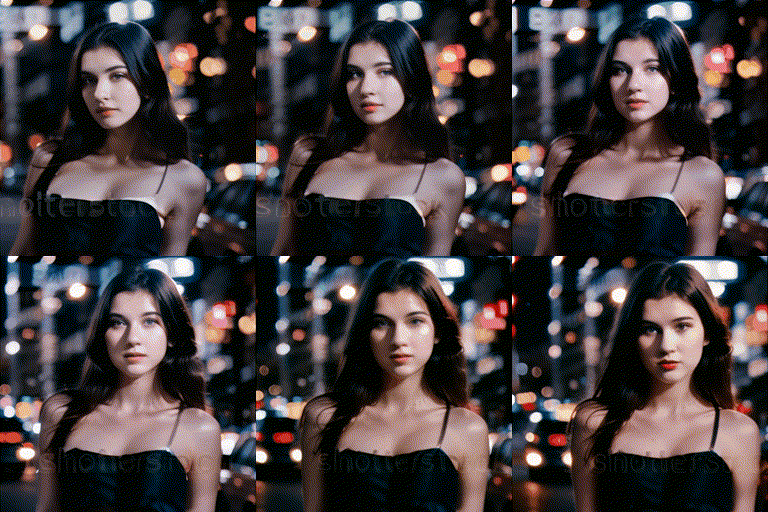
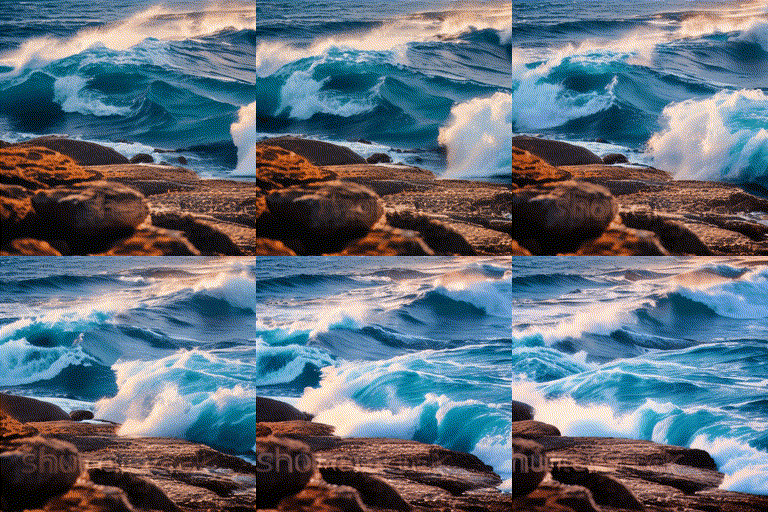
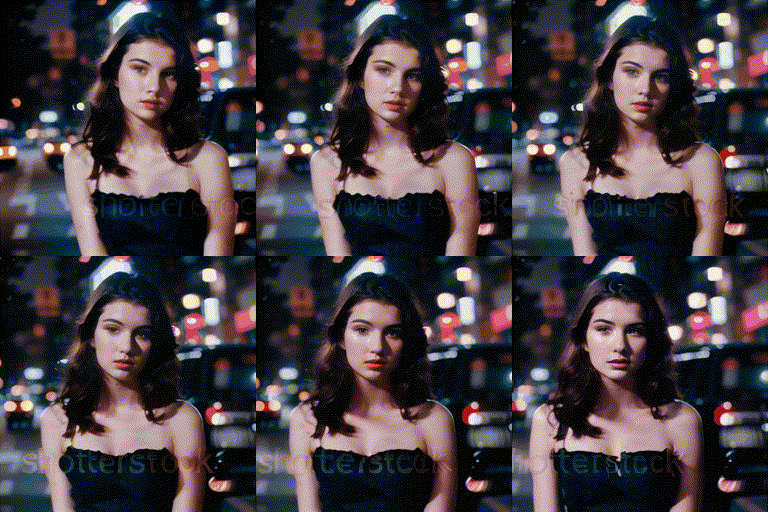
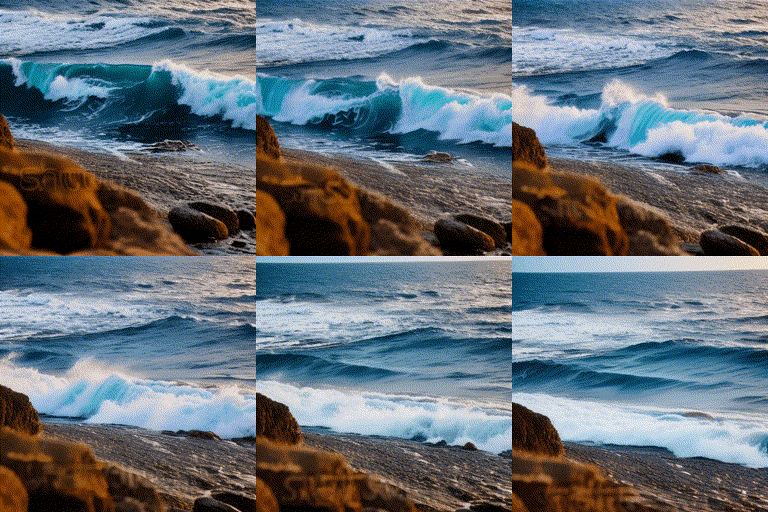
Here is a qualitative comparison between `mm_sd_v15.ckpt` (left) and `mm_sd_v15_v2.ckpt` (right):
- GPU Memory Optimization, ~12GB VRAM to inference
- User Interface: [Gradio](#gradio-demo), A1111 WebUI Extension [sd-webui-animatediff](https://github.com/continue-revolution/sd-webui-animatediff) (by [@continue-revolution](https://github.com/continue-revolution))
- Google Colab: [Colab](https://colab.research.google.com/github/camenduru/AnimateDiff-colab/blob/main/AnimateDiff_colab.ipynb) (by [@camenduru](https://github.com/camenduru))
## Model Zoo
Motion Modules
| Name | Parameter | Storage Space |
|----------------------|-----------|---------------|
| mm_sd_v14.ckpt | 417 M | 1.6 GB |
| mm_sd_v15.ckpt | 417 M | 1.6 GB |
| mm_sd_v15_v2.ckpt | 453 M | 1.7 GB |
MotionLoRAs
| Name | Parameter | Storage Space |
|--------------------------------------|-----------|---------------|
| v2_lora_ZoomIn.ckpt | 19 M | 74 MB |
| v2_lora_ZoomOut.ckpt | 19 M | 74 MB |
| v2_lora_PanLeft.ckpt | 19 M | 74 MB |
| v2_lora_PanRight.ckpt | 19 M | 74 MB |
| v2_lora_PanUp.ckpt | 19 M | 74 MB |
| v2_lora_PanDown.ckpt | 19 M | 74 MB |
| v2_lora_RollingClockwise.ckpt | 19 M | 74 MB |
| v2_lora_RollingAnticlockwise.ckpt | 19 M | 74 MB |
## Common Issues
Installation
Please ensure the installation of [xformer](https://github.com/facebookresearch/xformers) that is applied to reduce the inference memory.
Various resolution or number of frames
Currently, we recommend users to generate animation with 16 frames and 512 resolution that are aligned with our training settings. Notably, various resolution/frames may affect the quality more or less.
How to use it without any coding
1) Get lora models: train lora model with [A1111](https://github.com/continue-revolution/sd-webui-animatediff) based on a collection of your own favorite images (e.g., tutorials [English](https://www.youtube.com/watch?v=mfaqqL5yOO4), [Japanese](https://www.youtube.com/watch?v=N1tXVR9lplM), [Chinese](https://www.bilibili.com/video/BV1fs4y1x7p2/))
or download Lora models from [Civitai](https://civitai.com/).
2) Animate lora models: using gradio interface or A1111
(e.g., tutorials [English](https://github.com/continue-revolution/sd-webui-animatediff), [Japanese](https://www.youtube.com/watch?v=zss3xbtvOWw), [Chinese](https://941ai.com/sd-animatediff-webui-1203.html))
3) Be creative togther with other techniques, such as, super resolution, frame interpolation, music generation, etc.
Animating a given image
We totally agree that animating a given image is an appealing feature, which we would try to support officially in future. For now, you may enjoy other efforts from the [talesofai](https://github.com/talesofai/AnimateDiff).
Contributions from community
Contributions are always welcome!! The dev branch is for community contributions. As for the main branch, we would like to align it with the original technical report :)
## Setups for Inference
### Prepare Environment
***We updated our inference code with xformers and a sequential decoding trick. Now AnimateDiff takes only ~12GB VRAM to inference, and run on a single RTX3090 !!***
```
git clone https://github.com/guoyww/AnimateDiff.git
cd AnimateDiff
conda env create -f environment.yaml
conda activate animatediff
```
### Download Base T2I & Motion Module Checkpoints
We provide two versions of our Motion Module, which are trained on stable-diffusion-v1-4 and finetuned on v1-5 seperately.
It's recommanded to try both of them for best results.
```
git lfs install
git clone https://huggingface.co/runwayml/stable-diffusion-v1-5 models/StableDiffusion/
bash download_bashscripts/0-MotionModule.sh
```
You may also directly download the motion module checkpoints from [Google Drive](https://drive.google.com/drive/folders/1EqLC65eR1-W-sGD0Im7fkED6c8GkiNFI?usp=sharing) / [HuggingFace](https://huggingface.co/guoyww/animatediff) / [CivitAI](https://civitai.com/models/108836/animatediff-motion-modules), then put them in `models/Motion_Module/` folder.
### Prepare Personalize T2I
Here we provide inference configs for 6 demo T2I on CivitAI.
You may run the following bash scripts to download these checkpoints.
```
bash download_bashscripts/1-ToonYou.sh
bash download_bashscripts/2-Lyriel.sh
bash download_bashscripts/3-RcnzCartoon.sh
bash download_bashscripts/4-MajicMix.sh
bash download_bashscripts/5-RealisticVision.sh
bash download_bashscripts/6-Tusun.sh
bash download_bashscripts/7-FilmVelvia.sh
bash download_bashscripts/8-GhibliBackground.sh
```
### Inference
After downloading the above peronalized T2I checkpoints, run the following commands to generate animations. The results will automatically be saved to `samples/` folder.
```
python -m scripts.animate --config configs/prompts/1-ToonYou.yaml
python -m scripts.animate --config configs/prompts/2-Lyriel.yaml
python -m scripts.animate --config configs/prompts/3-RcnzCartoon.yaml
python -m scripts.animate --config configs/prompts/4-MajicMix.yaml
python -m scripts.animate --config configs/prompts/5-RealisticVision.yaml
python -m scripts.animate --config configs/prompts/6-Tusun.yaml
python -m scripts.animate --config configs/prompts/7-FilmVelvia.yaml
python -m scripts.animate --config configs/prompts/8-GhibliBackground.yaml
```
To generate animations with a new DreamBooth/LoRA model, you may create a new config `.yaml` file in the following format:
```
NewModel:
inference_config: "[path to motion module config file]"
motion_module:
- "models/Motion_Module/mm_sd_v14.ckpt"
- "models/Motion_Module/mm_sd_v15.ckpt"
motion_module_lora_configs:
- path: "[path to MotionLoRA model]"
alpha: 1.0
- ...
dreambooth_path: "[path to your DreamBooth model .safetensors file]"
lora_model_path: "[path to your LoRA model .safetensors file, leave it empty string if not needed]"
steps: 25
guidance_scale: 7.5
prompt:
- "[positive prompt]"
n_prompt:
- "[negative prompt]"
```
Then run the following commands:
```
python -m scripts.animate --config [path to the config file]
```
## Steps for Training
### Dataset
Before training, download the videos files and the `.csv` annotations of [WebVid10M](https://maxbain.com/webvid-dataset/) to the local mechine.
Note that our examplar training script requires all the videos to be saved in a single folder. You may change this by modifying `animatediff/data/dataset.py`.
### Configuration
After dataset preparations, update the below data paths in the config `.yaml` files in `configs/training/` folder:
```
train_data:
csv_path: [Replace with .csv Annotation File Path]
video_folder: [Replace with Video Folder Path]
sample_size: 256
```
Other training parameters (lr, epochs, validation settings, etc.) are also included in the config files.
### Training
To train motion modules
```
torchrun --nnodes=1 --nproc_per_node=1 train.py --config configs/training/training.yaml
```
To finetune the unet's image layers
```
torchrun --nnodes=1 --nproc_per_node=1 train.py --config configs/training/image_finetune.yaml
```
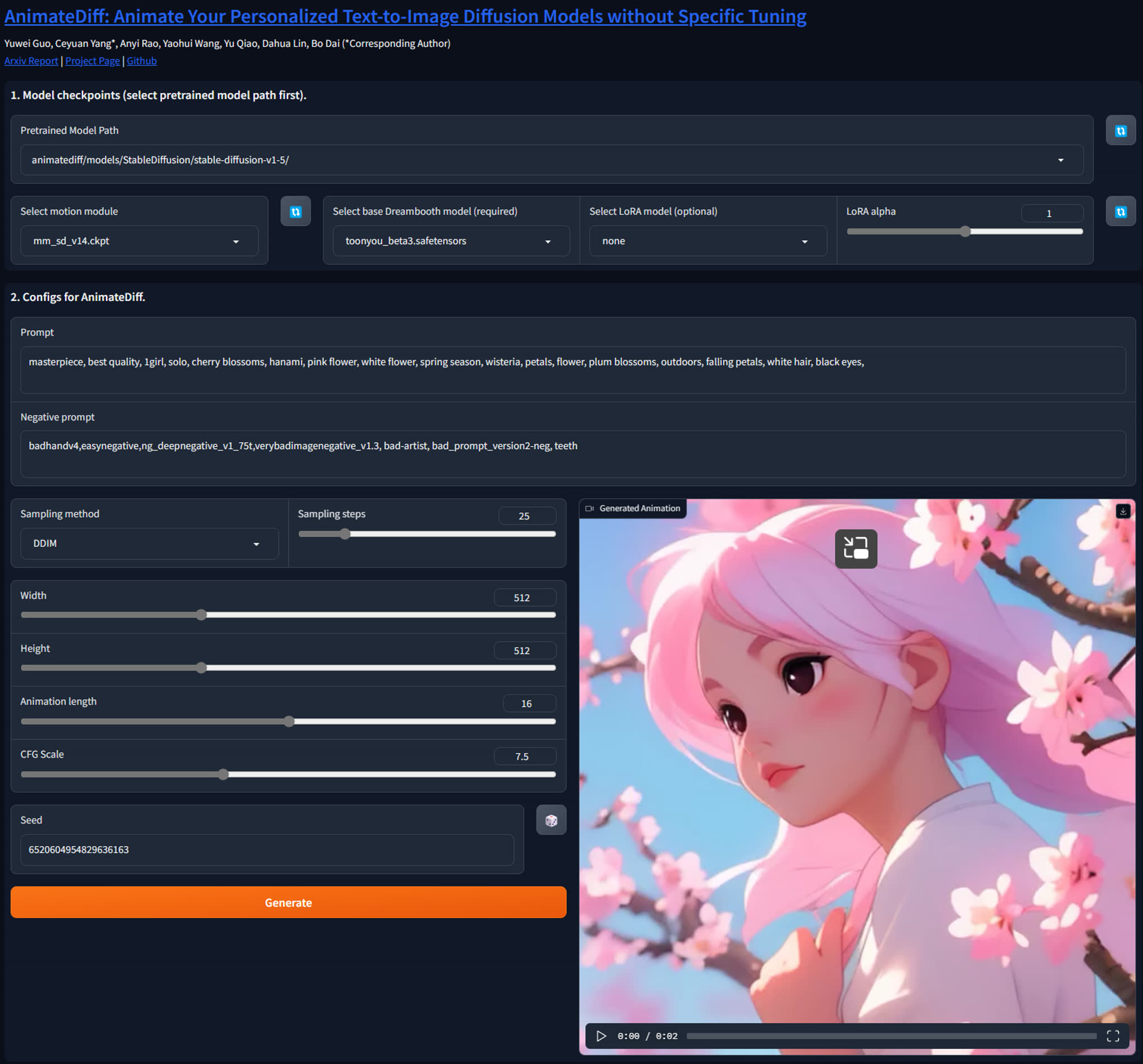
## Gradio Demo
We have created a Gradio demo to make AnimateDiff easier to use. To launch the demo, please run the following commands:
```
conda activate animatediff
python app.py
```
By default, the demo will run at `localhost:7860`.
 ## Gallery
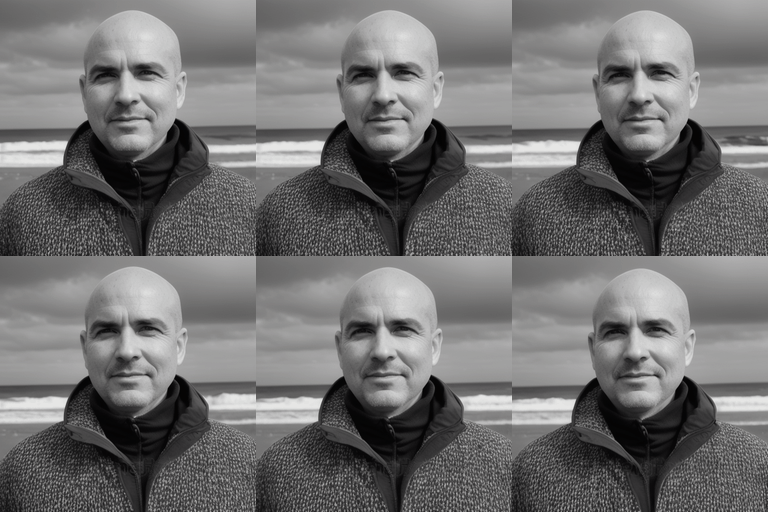
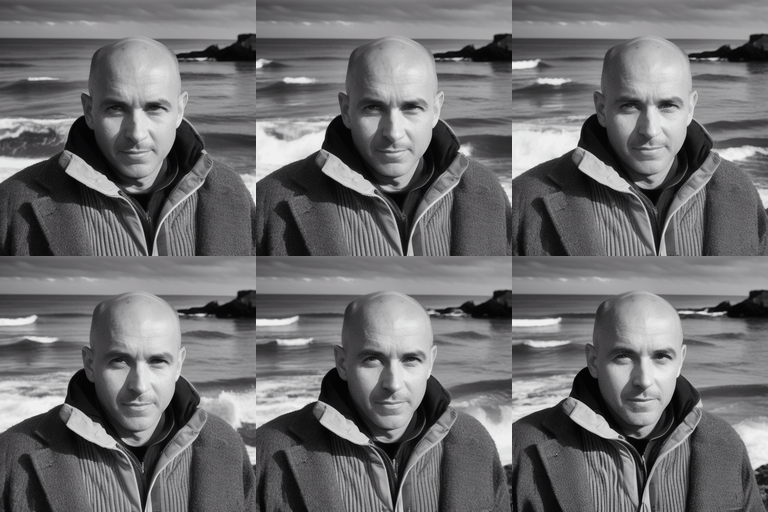
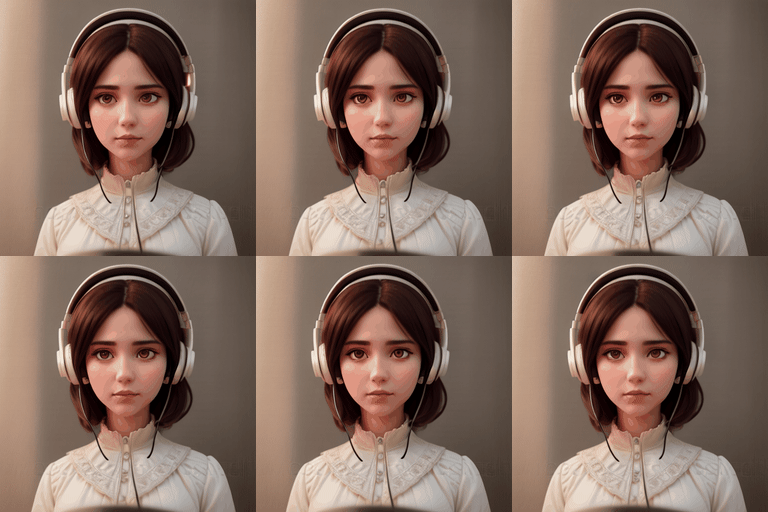
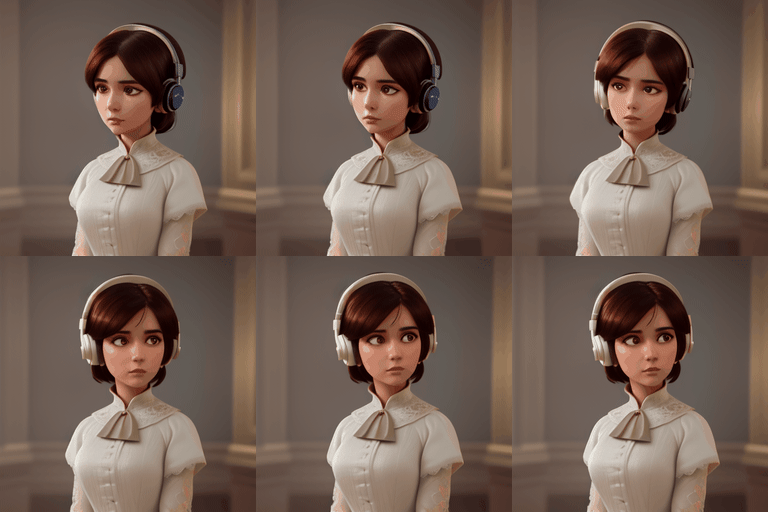
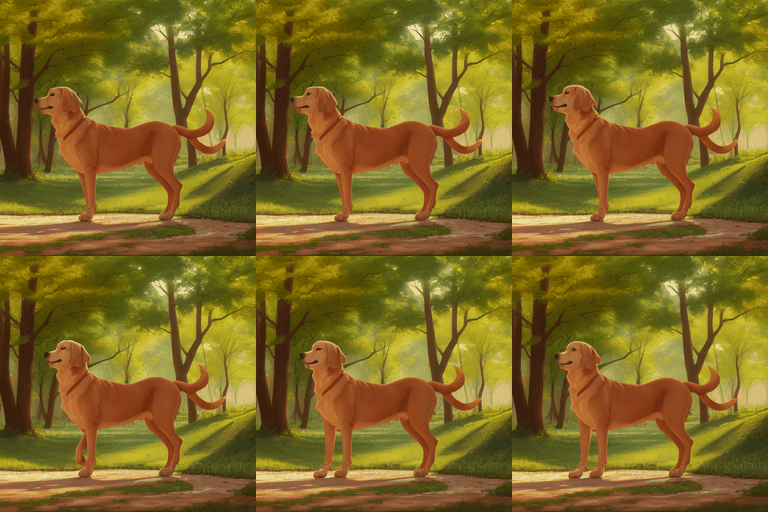
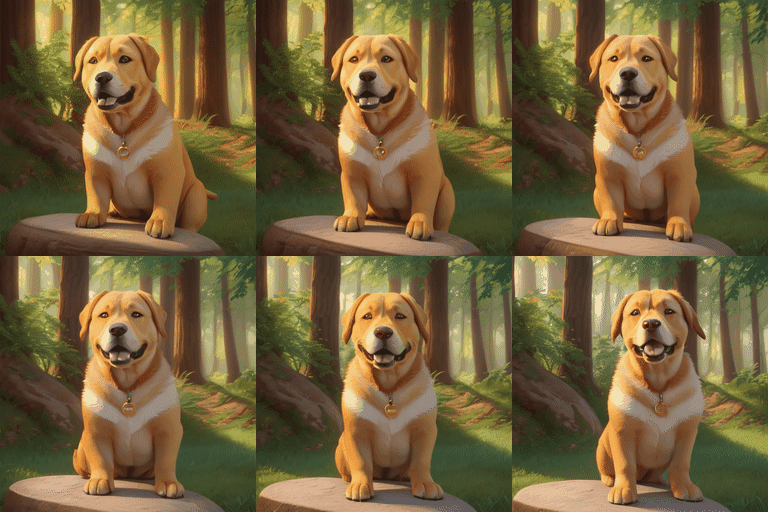
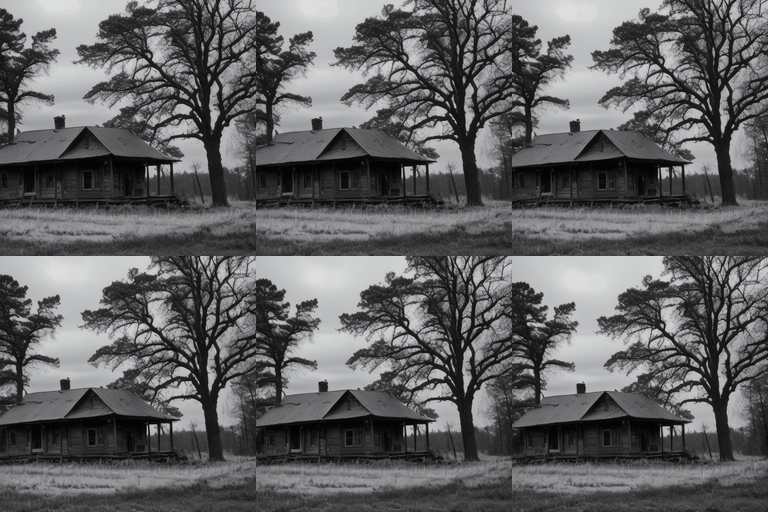
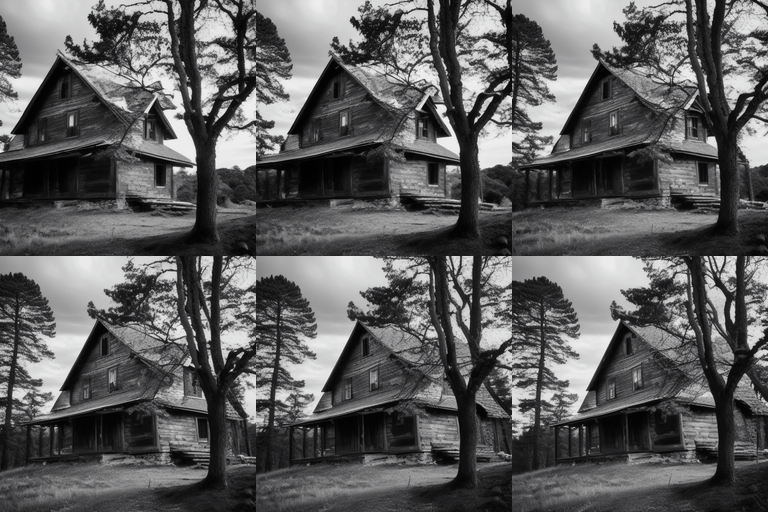
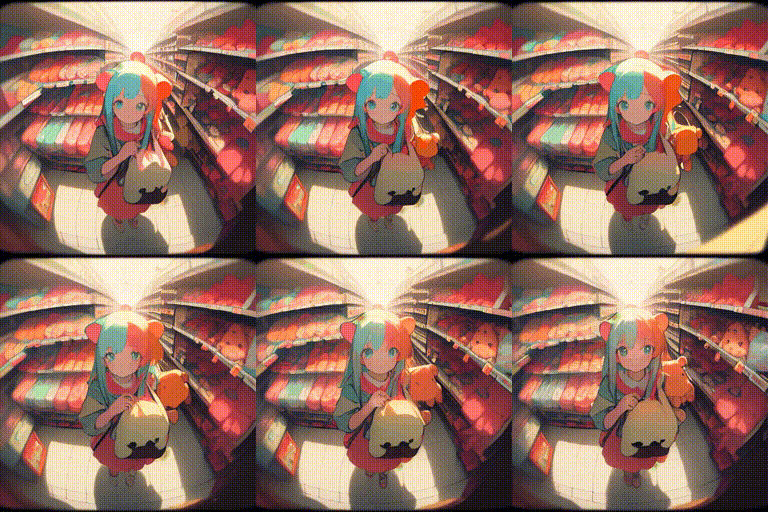
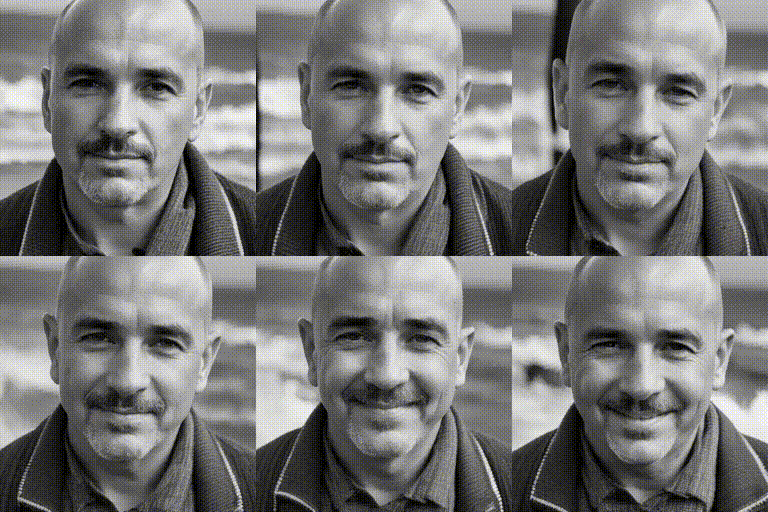
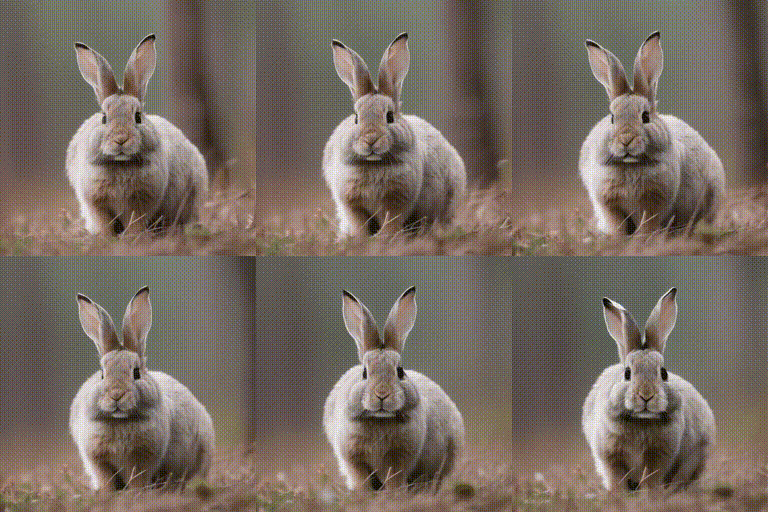
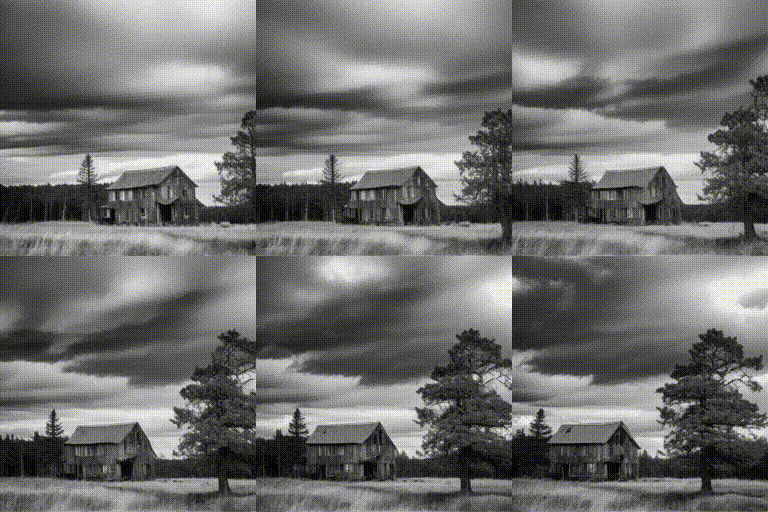
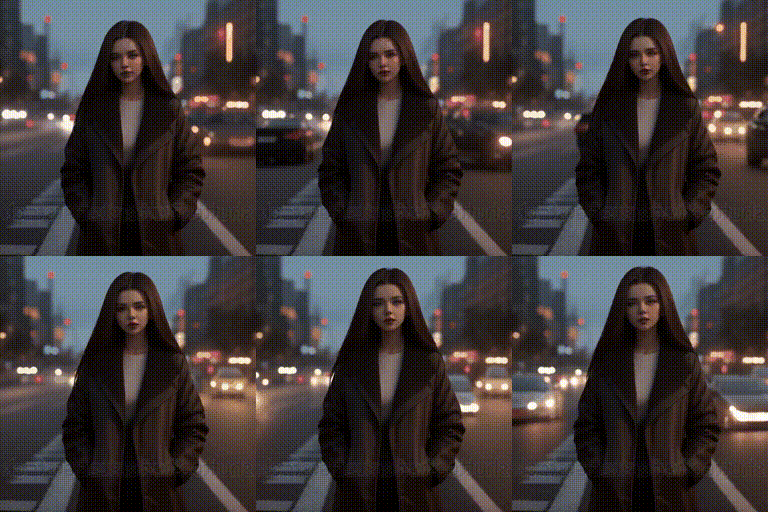
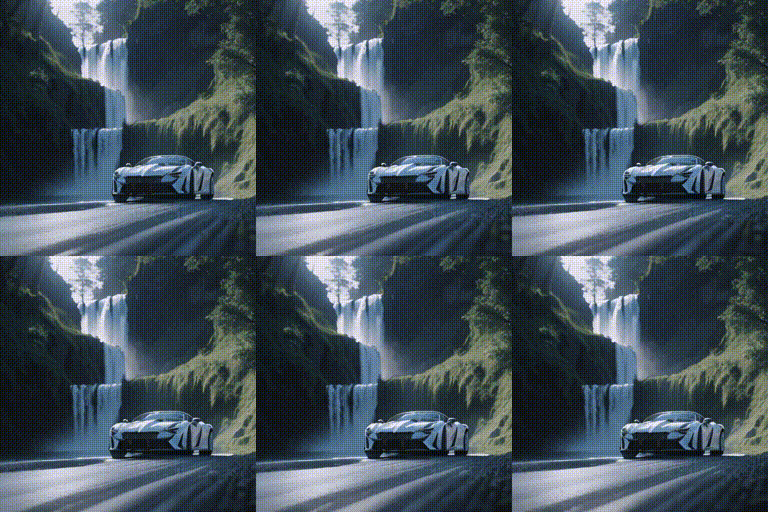
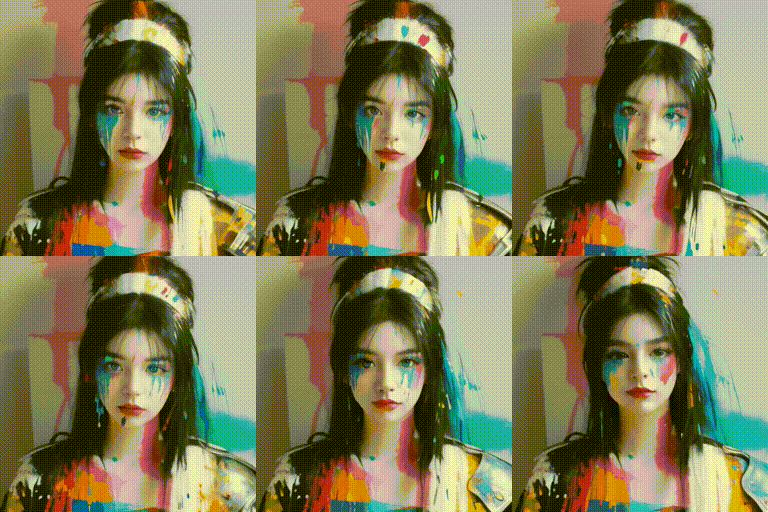
Here we demonstrate several best results we found in our experiments.
## Gallery
Here we demonstrate several best results we found in our experiments.
Model:ToonYou
Model:Counterfeit V3.0
Model:Realistic Vision V2.0
Model: majicMIX Realistic
Model:RCNZ Cartoon
Model:FilmVelvia
#### Community Cases
Here are some samples contributed by the community artists. Create a Pull Request if you would like to show your results here😚.
Character Model:Yoimiya
(with an initial reference image, see WIP fork for the extended implementation.)
Character Model:Paimon;
Pose Model:Hold Sign
## BibTeX
```
@article{guo2023animatediff,
title={AnimateDiff: Animate Your Personalized Text-to-Image Diffusion Models without Specific Tuning},
author={Guo, Yuwei and Yang, Ceyuan and Rao, Anyi and Wang, Yaohui and Qiao, Yu and Lin, Dahua and Dai, Bo},
journal={arXiv preprint arXiv:2307.04725},
year={2023}
}
```
## Contact Us
**Yuwei Guo**: [guoyuwei@pjlab.org.cn](mailto:guoyuwei@pjlab.org.cn)
**Ceyuan Yang**: [yangceyuan@pjlab.org.cn](mailto:yangceyuan@pjlab.org.cn)
**Bo Dai**: [daibo@pjlab.org.cn](mailto:daibo@pjlab.org.cn)
## Acknowledgements
Codebase built upon [Tune-a-Video](https://github.com/showlab/Tune-A-Video).